
Containers – DoorDasher’s Demise

This room was released on day fourteen of the event and focuses on containers.
Task 1 Introduction
Read the story elements which are rather entertaining this time.
Launch the Attack Box and Virtual Machine.
Flag
There is no question or answer for this section.
Task 2 Container Security
Read about containers and docker. Containers are isolated environments to run applications in. They differ from virtual machines in scale—containers only include the dependencies required for the application, while virtual machines include everything necessary for a full operating system. Docker is a program that runs containers on a host machine.
Check what docker containers are running on the virtual machine.
Flag
docker ps

Flag
Dockerfile
Visit the web app from Attack Box.
http://<target machine>:5001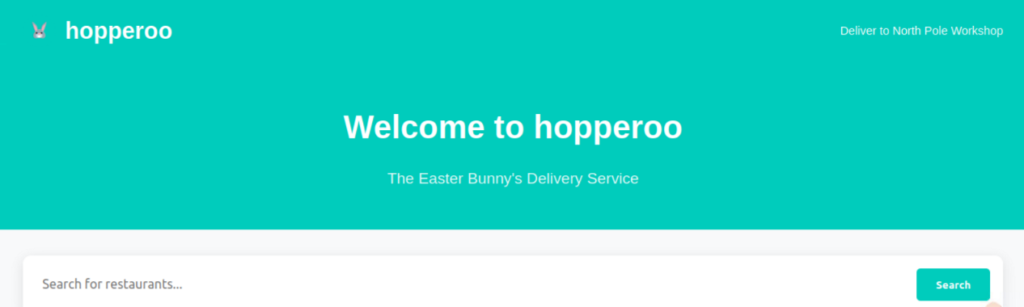
This is the dasherapp (port 5001). You can check the other running docker containers too.
Connect to the uptime-checker container from the Virtual Machine.
docker exec -it uptime-checker sh- docker exec runs a command inside a running container.
- -i keeps make it an interactive session (allows more commands to be run)
- -t makes it a terminal interface so you get the command-line experience
- uptime-checker is the container to run in
- sh is the command to run inside the container (a shell)
With a terminal inside the container, run
ls -la /var/run/docker.sockThis reveals whether the container has access to a docker socket, providing connection back to the docker daemon on the host. Yep.

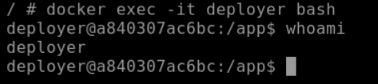
Back to the host environment1, connect to the deployer container.
docker exec -it deployer bashUse the whoami command to check which account the bash shell is running as. In this case, its deployer.
Hunt down the flag in the container. Its one directory layer up.
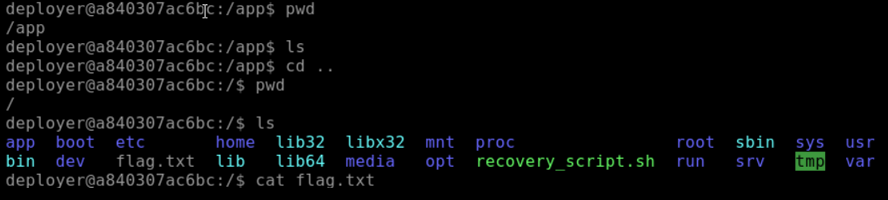
Flag
THM{DOCKER_ESCAPE_SUCCESS}
Run the recovery script as root (use sudo).
sudo /recovery_script.sh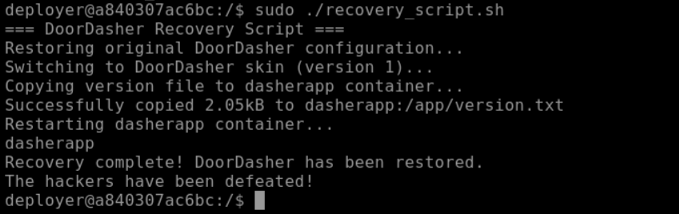
From the Attack Box access the exposed web interface on port 5002.
http://<target machine>:5002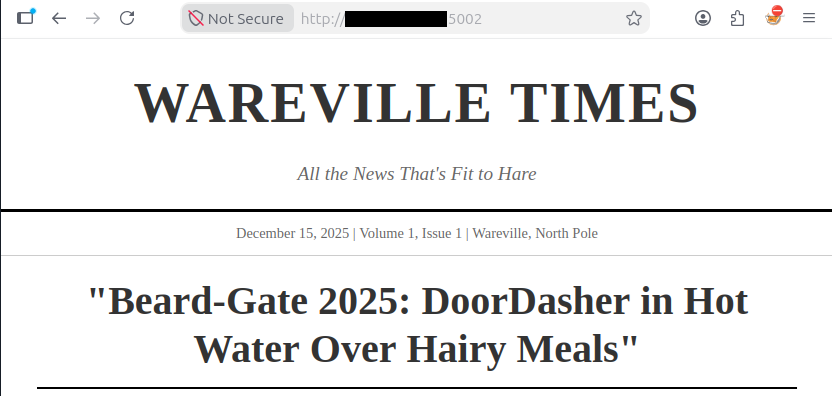
Look for emboldened words on the page, combine them for the bonus flag.
Flag
DeployMaster2025!
- The exit command will close the connection to the container ↩︎
