
This room was released on day seven of the event and covered network discovery using nmap.
Task 1 Introduction
Read some more story material.
Launch the Attack Box and Virtual Machine.
Flag
There is no question or answer for this section.
Task 2 Discover Network Services
We need to see what services are open on the QA server to see if we can access it.
Perform a basic nmap scan. Nmap (Network Mapper) is an open source network scanning tool that has a plethora of features. It is often used by system administrators for inventory purposes, and by penetration testers during their reconnaissance stage. Learn more at the Nmap website.
nmap <IP ADDRESS>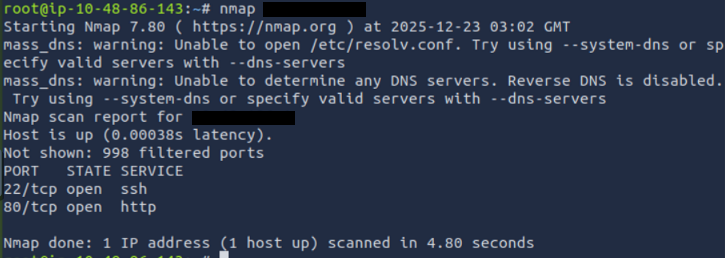
We’ve found an open web service. Lets check that out in a web browser.
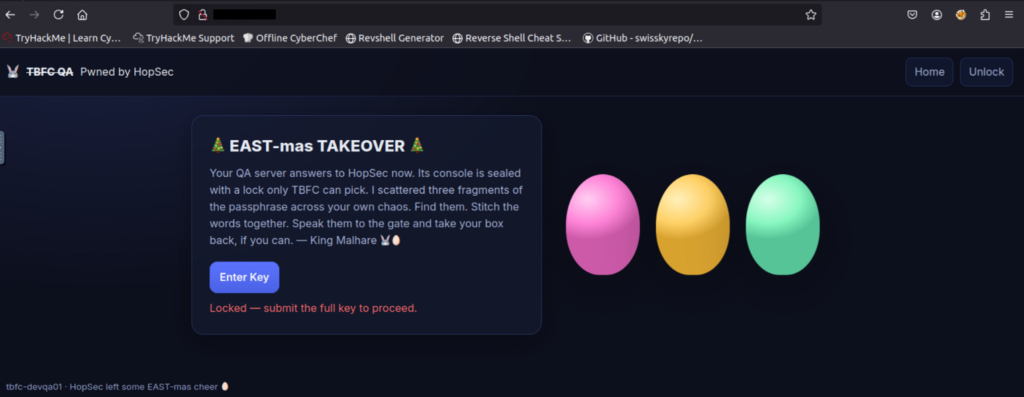
The website seems to take a key, we’ll need to look for it. If you click the ‘Enter Key’ button there is some formatting information that indicates it is made up of three sub-keys.
Flag
Pwned by HopSec
Scan all ports for banners to see what they are hosting.
nmap -p- --script=banner <IP ADDRESS>This command scans all possible ports, on the specified IP address, using the banner script.
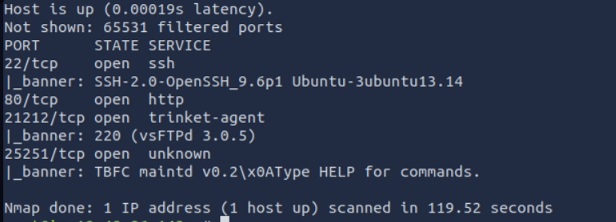
Lets try connecting to the FTP server on port 21212.
ftp <IP ADDRESS> 21212Download the key from the server.
get tbfc_qa_key1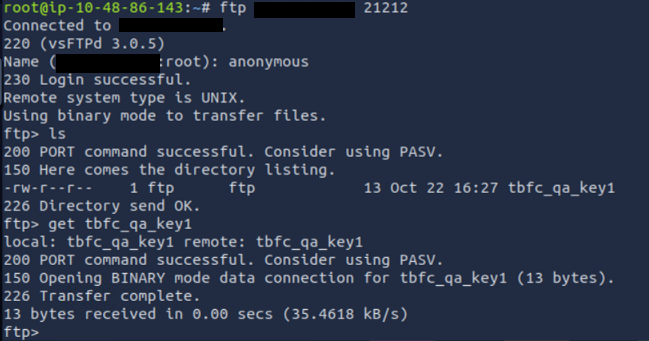
Once downloaded you can view the key using the cat command.
Flag
3aster_
Use netcat to connect to the service on port 25251.
nc -v <IP ADDRESS> 25251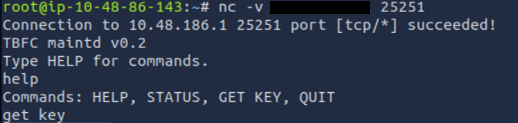
Get the key from the server using the appropriate command.
Flag
15_th3_
We’ve run out of sources for sub-keys. Lets scan all the UDP ports using nmap.
nmap -sU <IP ADDRESS>UDP scans take longer than TCP scans and are more unreliable because UDP is connectionless. They can still provide useful information.
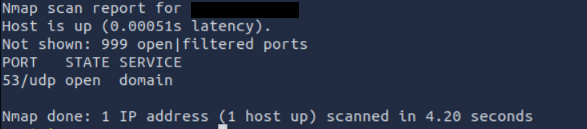
UDP port 53 is the standard Domain Name Service port.
Use dig to gather DNS records from the server.
dig @<IP ADDRESS> TXT key3.tbfc.local +shortFlag
n3w_xm45
We now have all three sub-keys, combine them (using the format provided) and enter them on the QA site.
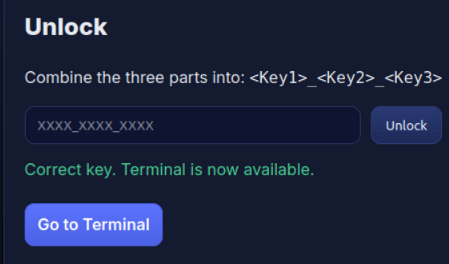
Once the key is entered, go to the admin terminal.
Lets find the current external connections from the QA machine.
ss -tunlpThis command lists the listening ports.
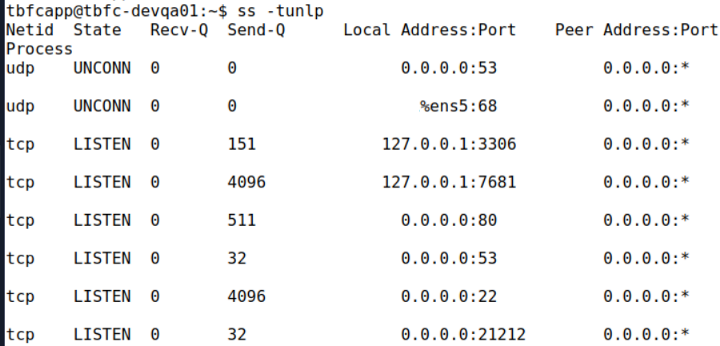
Of these listeners, two are listening only to the local machine. Port 3306 is the default MySQL port, while port 7681 is a user-defined port (nothing is assigned to it by default).
Flag
3306
Lets connect to the MySQL service and list the tables.
mysql -D tbfcqa01 -e "show tables;"
A table called flags—that’s nice and obvious. Lets see what is stored there.
mysql -D tbfcqa01 -e "select * from flags;"Flag
THM{4ll_s3rvice5_d1sc0vered}