
This room was released on day five of the event and introduces insecure direct object references (IDOR) and how to exploit them.
Task 1 Introduction
This section covers some more story material.
Launch the Attack Box and Virtual Machine.
Flag
There is no question or answer for this section.
Task 2 IDOR on the Shelf
An insecure direct object reference (IDOR) is an access control type vulnerability where the authorisation of a requester to access a resource is not checked before granting access to the resource. It can be exploited by adjusting stored or input information after authenticating.
Log into the dashboard on the local machine (enter the local address into the browser address bar).
User: niels
Pass: TryHackMe#2025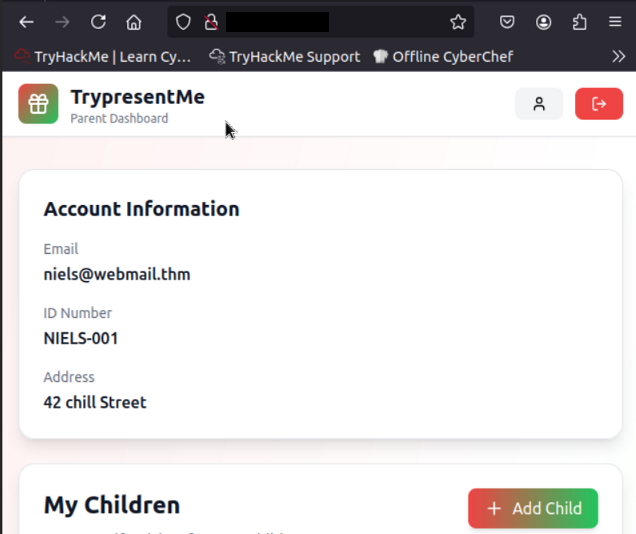
Open the browser’s developer tools, switch to the network tab, then refresh the page.
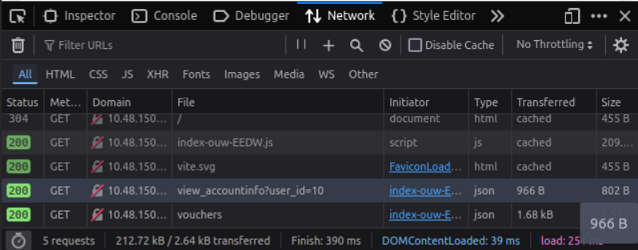
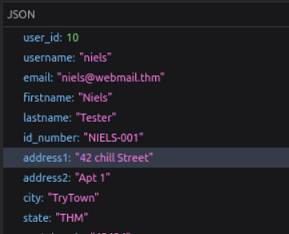
Click on and examine the view_accountinfo GET request.

Check the response tab for more information.
Change the user_id field in local memory and refresh the page to see if anything happens.
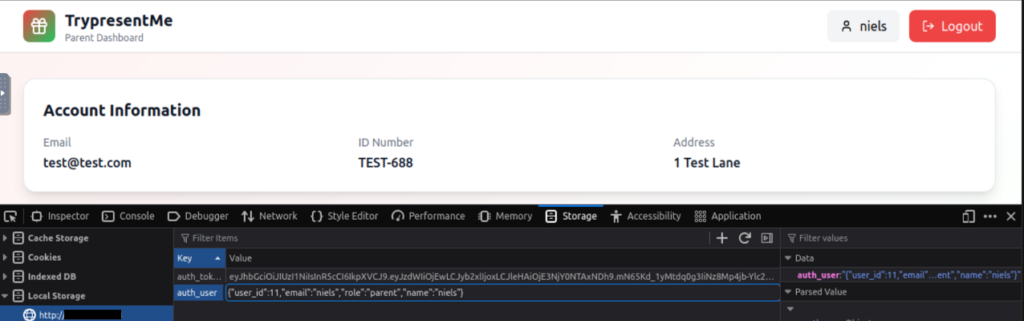
Changing the user_id field works. This indicates that the user_id field is a simple integer value assigned to a user and so it could be iterated through.
Change the value back and refresh the page.
View a child’s data and examine the network tab details.
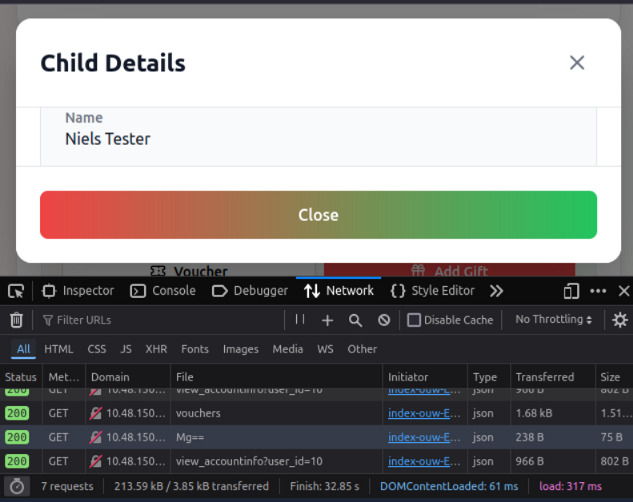
The response data indicates children’s id values are also simple integers, but Base64 encoded. Decode ‘Mg==’.
Base64 encoding is relatively easy to recognise as it has some consistent characteristics:
- The character set will consist of upper and lowercase characters, numeric digits, and the symbols ‘+’ and ‘/’.
- It will have a length that is a multiple of four.
- There can be padding at the end using the ‘=’ symbol to get to a multiple of four.
For this reason, Base64 values often (but not always) end in an ‘=’ symbol. If you are uncertain, it can be helpful to simply decode a value to see the result. For more details, see Base64Encode.
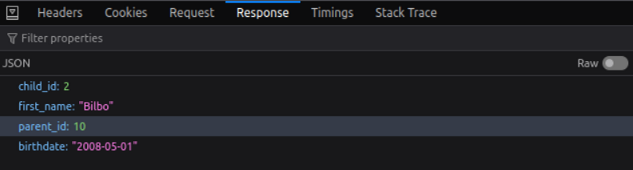
Click the edit button next to a child’s name to see what calls are made.

Voucher codes look like UUIDs, 32 hexadecimal characters separated by hyphens in groups of size 8-4-4-4-12. The codes are based on timestamps and other factors. For more information see What is a UID.
Use UUID Decoder to analyse one of the voucher codes.
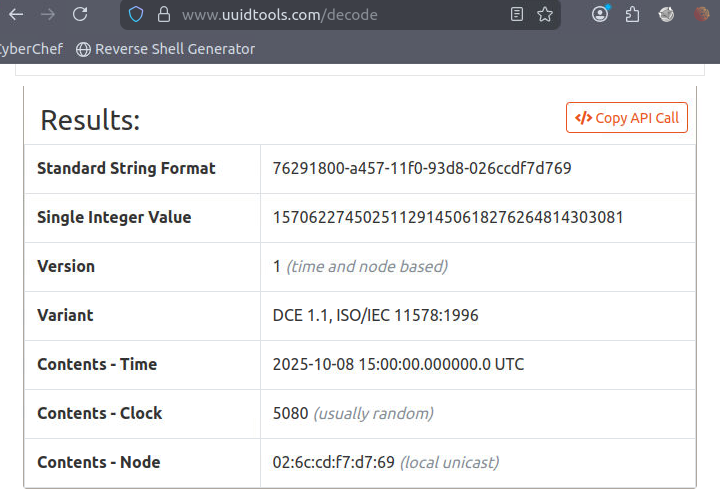
Flag
Insecure Direct Object Reference
Flag
Horizontal
Alter value of the user_id field until you find a user with ten children. Worth noting, the answer requires two digits, so it is unnecessary to check single digit values.
Flag
15