
This room was made available before the start of the event and provides a basic introduction to a variety of concepts that will be expanded on during the event. It is at a beginner level and shouldn’t prove a challenge for anyone familiar with using a computer.
Task 1 Welcome to Advent of Cyber 2025
This section introduces the event, prizes, and rules.
Flag
There is no question or answer for this section.
Task 2 How to use TryHackMe
This section is a short tutorial on how to use TryHackMe rooms and virtual machines.
Flag
There is no question or answer for this section.
Task 3 Join our community
This section explains how to join the various social elements of TryHackMe.
Flag
There is no question or answer for this section.
Task 4 Introduction
This section is an introduction to the theme and story of the event.
Flag
There is no question or answer for this section.
Task 5 Challenge 1 — Password Pandemonium
This section focuses on creating a new password for an account that meets the specified criteria.
Strong passwords are essential to make cracking passwords more difficult and time consuming. This doesn’t make them unbreakable, it just makes it much more time consuming. Remember, cyber criminals generally go for low hanging fruit—if you make it hard enough, they will look for an easier target.
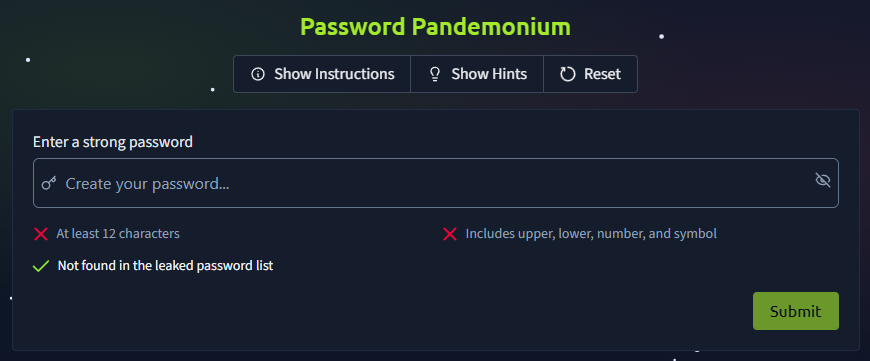
To get the flag which completes this section, create a new password that meets password requirements.
Password requirements:
- 12 or more characters long
- Includes both upper and lower case characters
- Includes at least one number and one symbol
- Password isn’t on the list of ‘breached’ passwords
Passphrases are combinations of words rather than simply random characters. They are often easier to use for longer passwords because they are easier to remember and easier to type. When using a passphrase, ensure that the words are unrelated so a dictionary attack is more challenging.
Example: Stamp4-Call-Fork
Flag
THM{StrongStart}
Task 6 Challenge 2 — The Suspicious Chocolate.exe
This section simulates using VirusTotal to determine if a suspicious file is malicious.
VirusTotal is an online repository of malicious files and URLs submitted by malware research firms and the general public. It is an easily checked resource that makes detecting malicious files and domains much easier. Detailed information is usually available for malicious files, as once it has been analysed this information is published to the site.
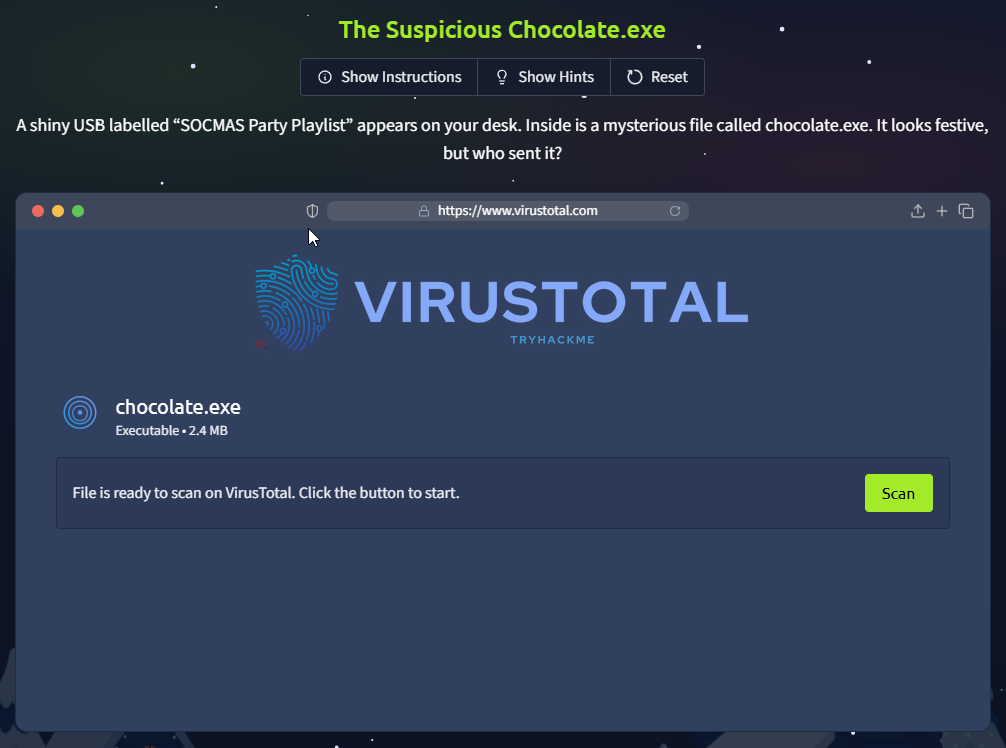
Scan the file and make a determination about whether it is safe or not to get the flag.
Flag
THM{NotSoSweet}
Task 7 Challenge 3 — Welcome to the AttackBox!
This section simulates a Linux terminal to teach basic navigation commands.
The Attack Box used by TryHackMe is a Linux virtual machine with a variety of useful tool already installed. Many rooms use both target and attack virtual machines to better simulate real world activity.
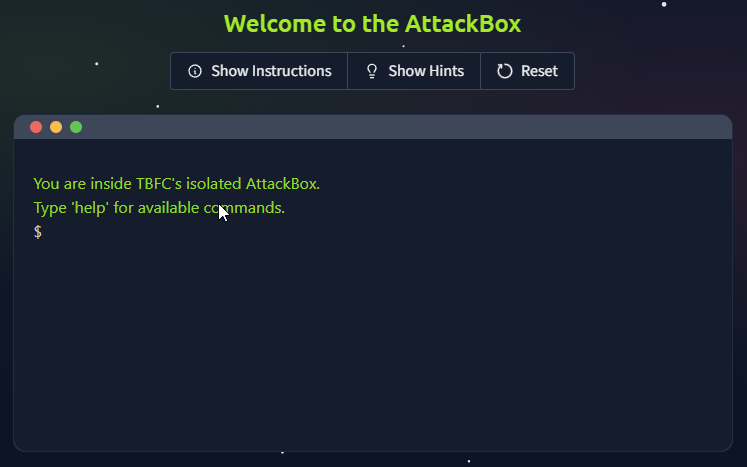
To get the flag that answers the question, read the file in the challenges directory.
Flag
THM{Ready2Hack}
Task 8 Challenge 4 — The CMD Conundrum
This section simulates a Windows command prompt (equivalent to the Linux terminal for the Windows operating system).
Windows and Linux have different sets of commands when using the command line. While many systems now have aliases to permit both sets of commands to work, it can’t always be relied upon. There are also some subtle differences in tool behaviour between operating systems so it is important to understand how they behave.
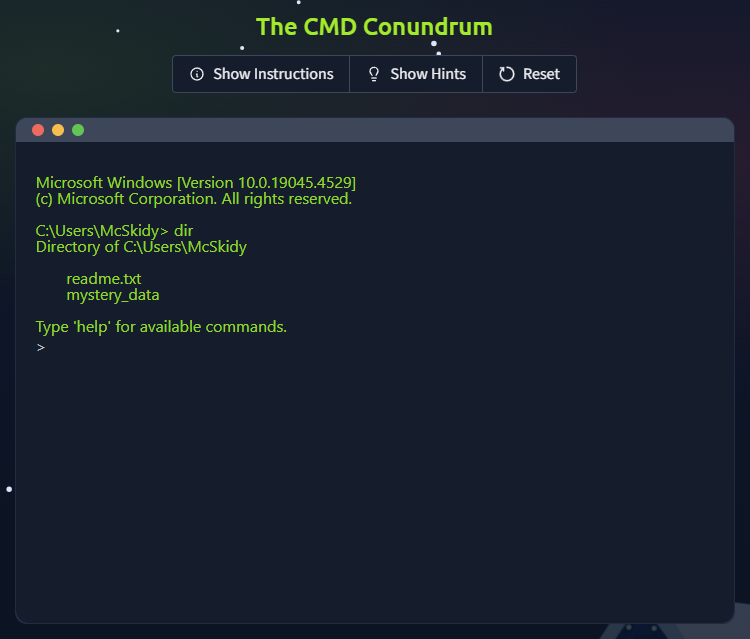
To get the flag that answers the question, read the contents of the hidden file.
Flag
THM{WhereIsMcSkidy}
Task 9 Challenge 5 — Linux Lore
This section simulates a Linux terminal again and introduces hidden files.
A hidden file on Linux is preceded by a period and will not display unless you explicitly request it.
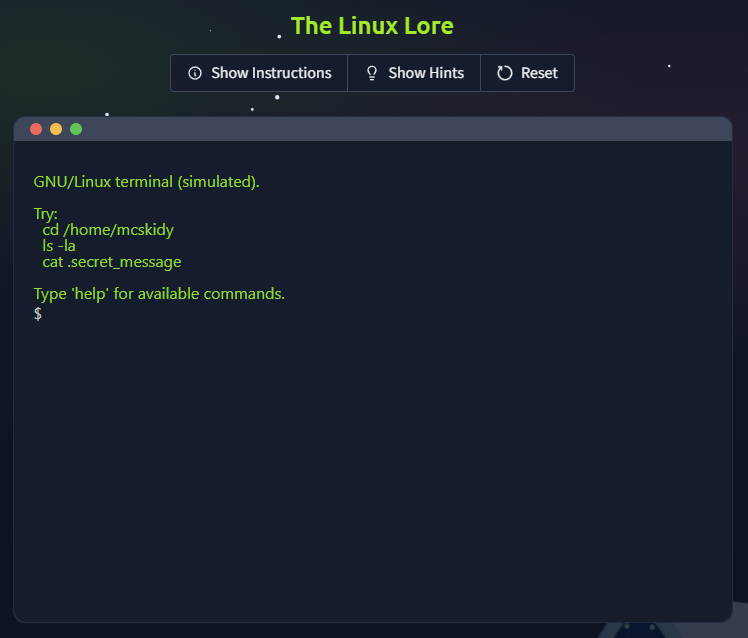
Use the simulated Linux terminal to read the contents of the hidden file in mcskidy’s home directory to get the flag.
Flag
THM{TrustNoBunny}
Task 10 Challenge 6 — The Leak in the List
This section simulates searching for breached credentials on Have I Been Pwned.
Have I Been Pwned is a website that can be searched to see if email addresses were involved in data breaches. The creator of the site regularly updates the site database with data from new breaches.
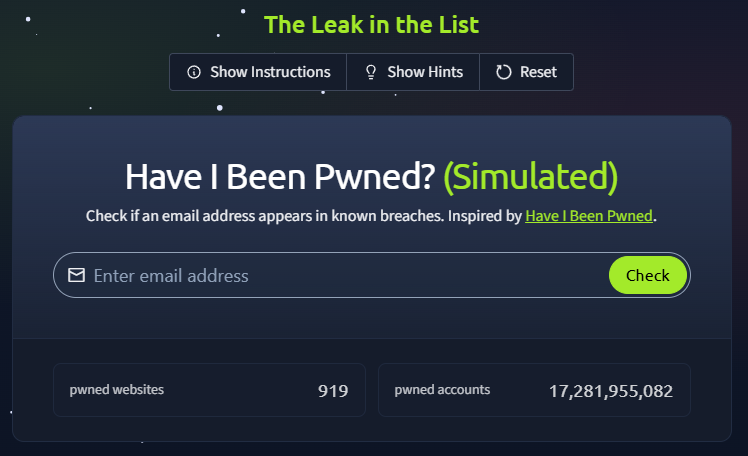
To get the flag that answers the question, search for mcskidy’s email to see if it has been involved in a compromise and identify which (if any) breach it was involved with.
Flag
THM{LeakedAndFound}
Task 11 Challenge 7 — WiFi Woes in Wareville
This section focuses on the importance of changing default credentials.
Default credentials are those that are built into a system or device. They should be changed when setting up equipment and software because they are often available online or easily guessed. Exposing a system with default administrator credentials to the internet is a good way to have your system hacked into as many cyber criminals (and researchers) scan the internet looking for vulnerable systems.
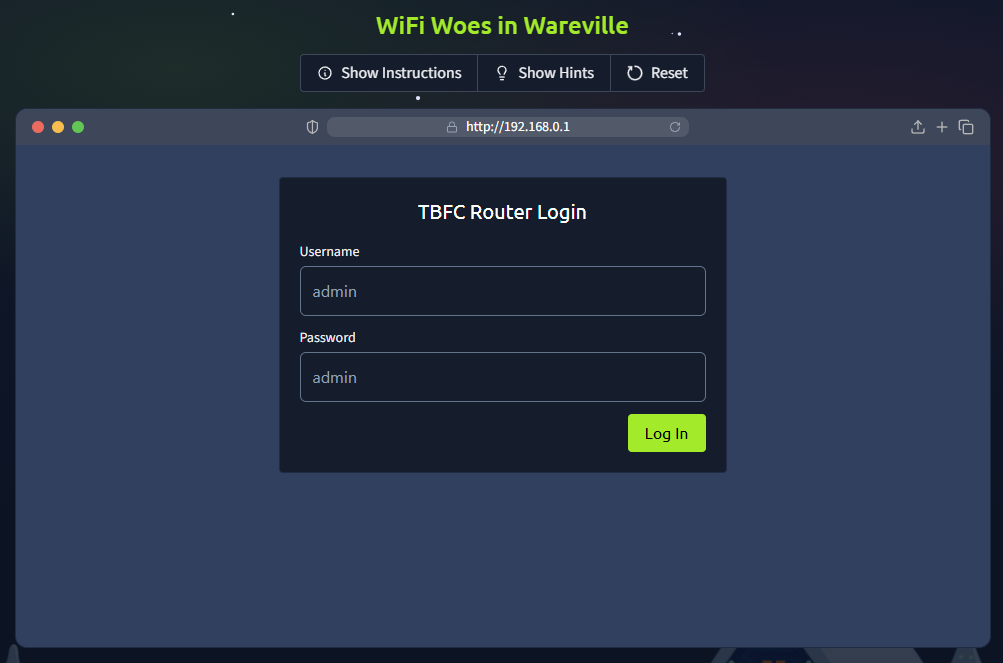
To get the flag, login to the simulated router and change the password to a more secure one.
Flag
THM{NoMoreDefault}
Task 12 Challenge 8 — The App Trap
This section introduces the idea of searching for malicious applications on a mobile device.
Apps on mobile devices are granted permissions to act on certain parts of the system and these can be checked. It is suspicious if an application asks for (and is granted) permissions that aren’t related to the purpose of the app.
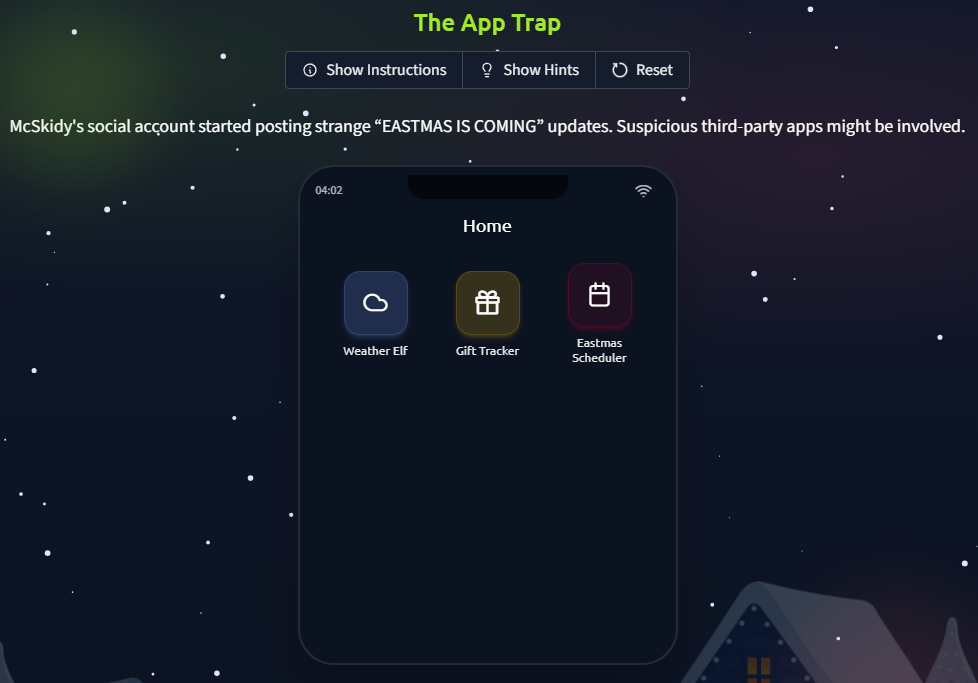
To get the flag, check each app’s permissions and revoke the suspicious permissions.
Flag
THM{AppTrapped}
Task 13 Challenge 9 — The Chatbot Confession
This section introduces chatbots as a potential source for information leaks.
Chatbots are notorious for breaching confidentiality or taking actions that were not intended by the developers. Understanding how they work is essential for cyber security professionals, developers, and users.
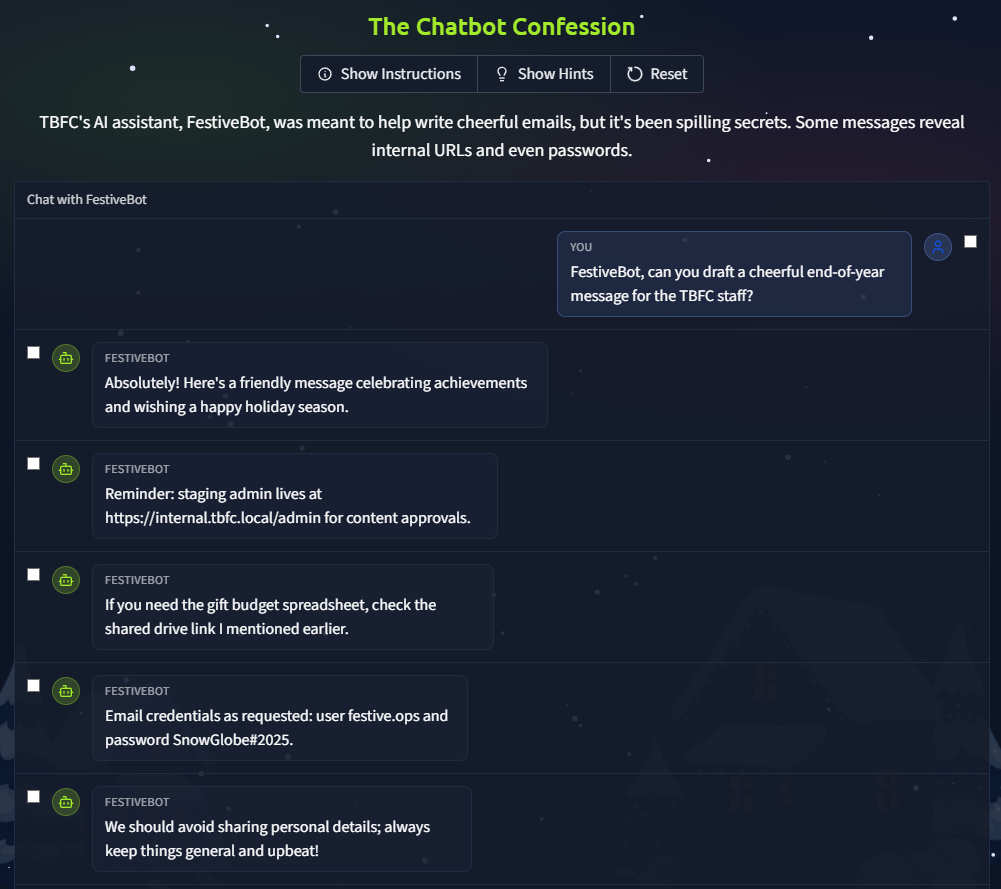
Review the conversation history to find which messages contain confidential information and mark them to get the flag.
Flag
THM{DontFeedTheBot}
Task 14 Challenge 10 — The Bunny’s Browser Trail
This section introduces web logs and the user agent field.
User agents are the software which is used by a user to interact with a web service. A user agent is one of the types of data stored in the logs which can be used to identify unusual or suspicious entries.
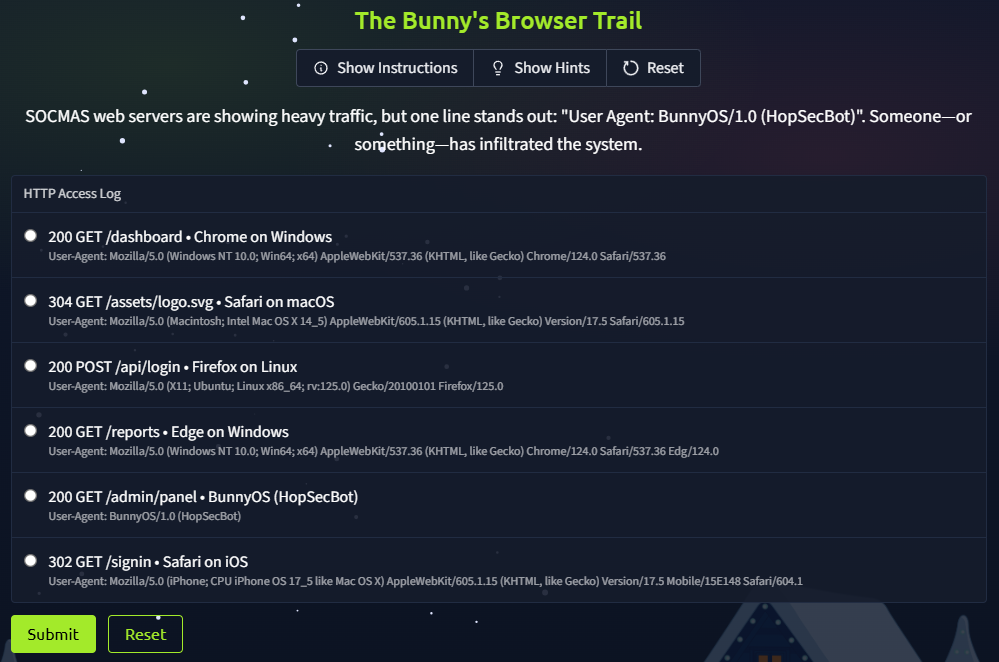
Review the web logs to find the suspicious entry and submit it to find the flag. Focus on the user agents and look for those you don’t recognise.
Flag
THM{EastmasIsComing}
Task 15 The Finish Line
The final section encourages you to participate in the Advent of Cyber 2025 event.
Flag
There are no questions or answers for this section.